
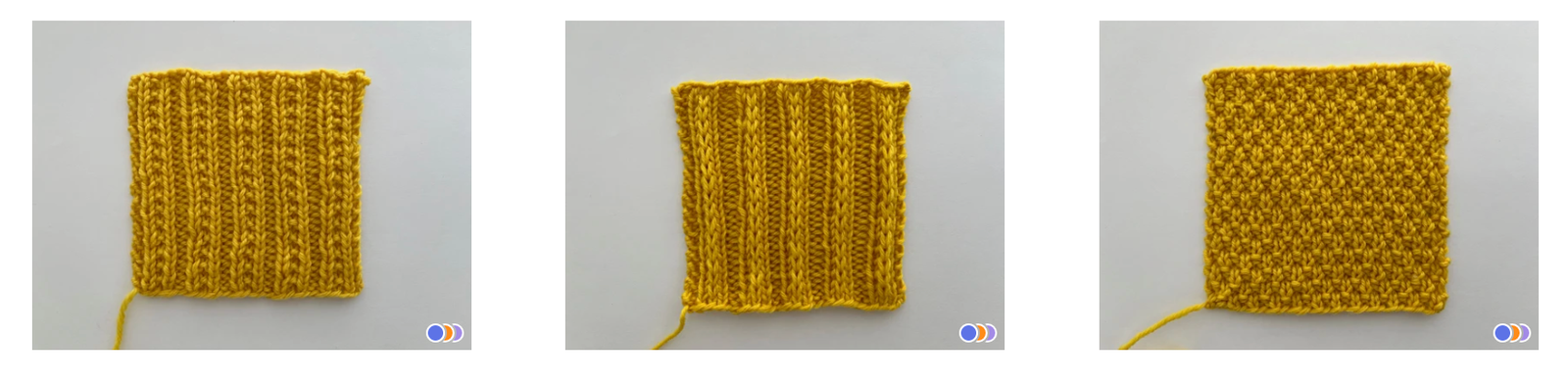

I’m hoping here to write the article I wish I had found online: a demonstration of how I store all of my swatches. There are hundreds of them, and by the time this is published it could actually be nearing a thousand.
If you’ve spent any time on this website, you’ll know that I’m a huge fan of swatching. You can read all about it here: 5 Things You Can Learn from a Gauge Swatch … that aren’t about measurements!
But for now, I’m not here to convince you to swatch. I’m going to show you how I organize and store my completed swatches. Every design requires multiple swatches, and even every knitting project by other designers requires multiple swatches. I have struggled for years to know what to do with these things. How can I keep them organized? How can I reference them?
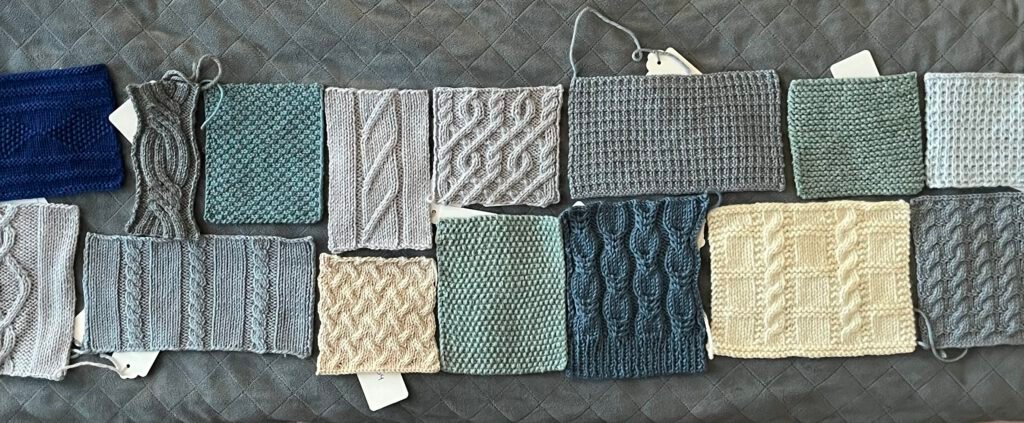
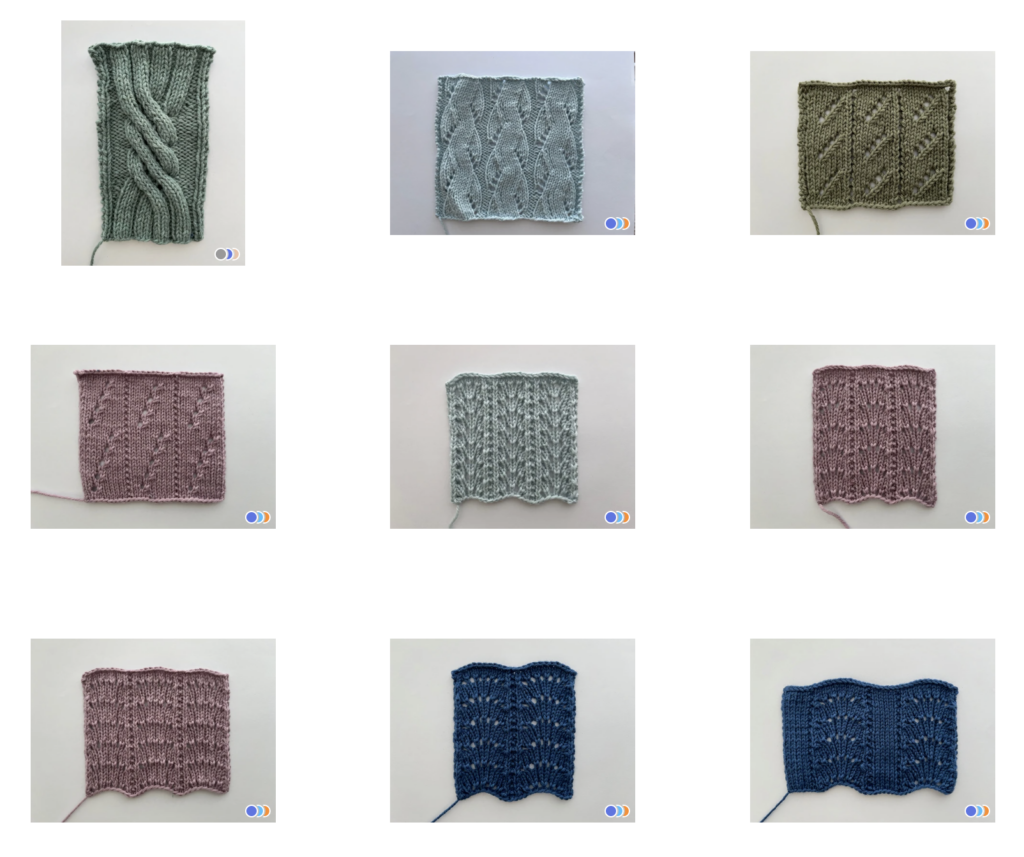
I knew that something digital would be part of the answer. Taking a photo of each swatch before storing it is step one. Store the swatches neatly in bags, drawers, wherever – but a digital log would be the place to start when referencing them, comparing them to each other, and taking note of where the physical swatch is stored.
I searched and searched for software options. I knew I wanted offline (local) use. I’d be willing to pay for the right software program. Since I was fairly sure something made specifically for swatches didn’t exist, I wanted to be able to customize the data as much as possible. I looked at photo galleries, file managers, spreadsheets, databases, until I finally landed on my winner: Tropy.
Tropy – Software for Archival Research
Tropy was built with archival research in mind. It’s an image database which promises to help you “Spend more time using your research photos, and less time hunting for them.” I’d thought about what a photo archive is, and if you stretch your imagination even just a tiny bit, it’s exactly what my swatch photo collection is. A visual reference of something stored elsewhere. A record of things past (knitted swatches), grouped together by categories (cables, lace, project), with a reference to where they live today (bottom drawer, box #2). I wasn’t collecting documents from the past, but I do have a substantial record of yarns, stitch patterns, and gauge swatches that I’d like to keep organized so I can reference them in the future.
Why Tropy?
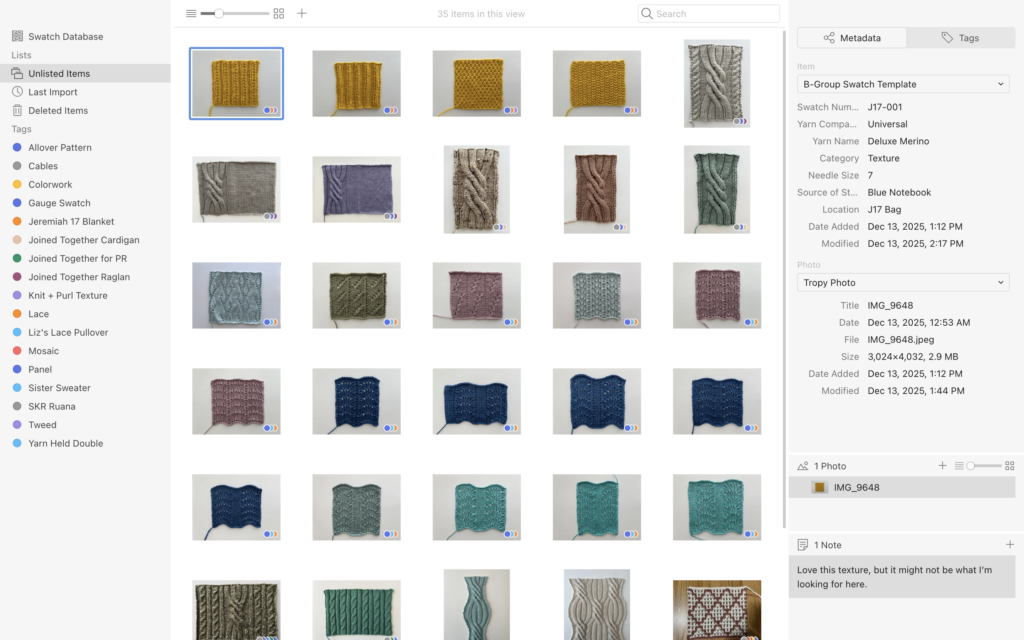
There were two main selling points for me. The first is Tropy’s use of tags. I can create as many tags as I need to, and above you’ll see my list to the left. Each photo, each swatch, has a number of tags, so that I can sort easily by “cables” or “yarn held double”, and see all of my swatches with these characteristics.
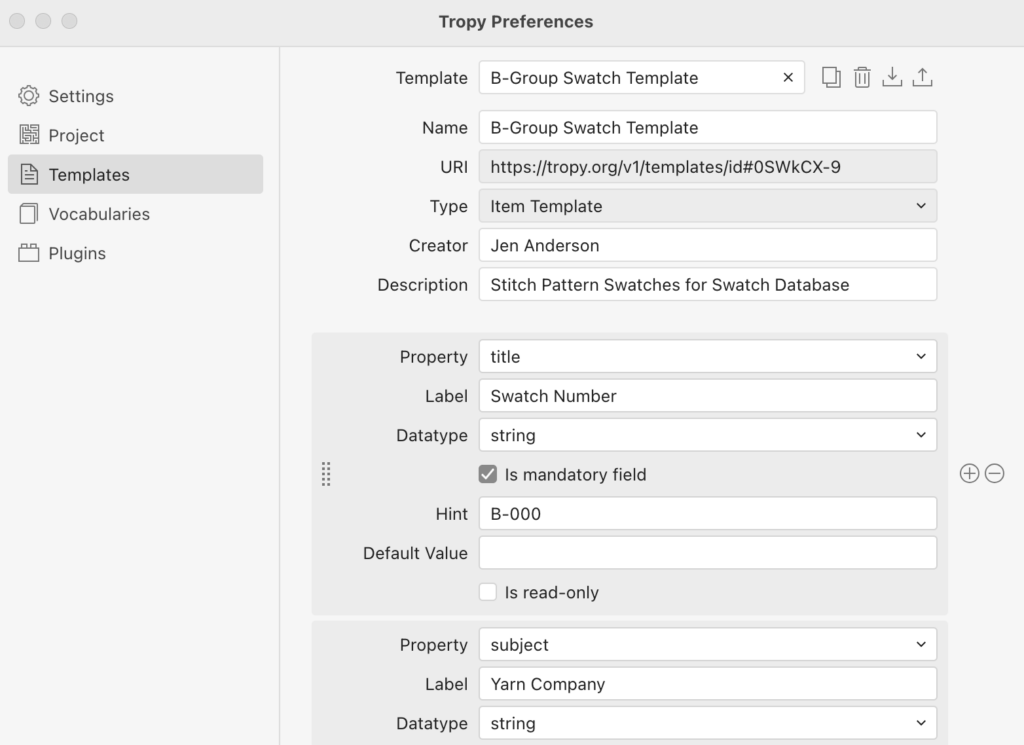
The other selling point was the ability to use customized metadata. Tropy has a number of pre-selected metadata lists, and if I were using this program as intended, I would choose the one that worked best for my research or publication. But for my swatches, I needed to customize. I made custom templates, and chose the exact data fields that I needed. The important ones were: swatch name/number, yarn brand, yarn name, needle size, whether it was a final gauge swatch or not, the source for the stitch pattern, and where the swatch is stored. I can add more data in the future if I need, but for now this seems comprehensive. This also allows me to label each physical swatch with a paper tag – but all I need is the swatch number. I don’t need to cram all of this information onto a 1″ x 2” tag in my best tiny handwriting. With this information digitized, I can pull up all of the swatches that use Juniper Moon’s Patagonia yarn, or all of the stitch patterns from Barbara Walker’s Second Treasury.
Sometimes all I can remember is that the swatch I’m thinking of was green. Having a photo reference library makes it easy enough to find, but if I wanted to, I could add color, either as a tag or as metadata.
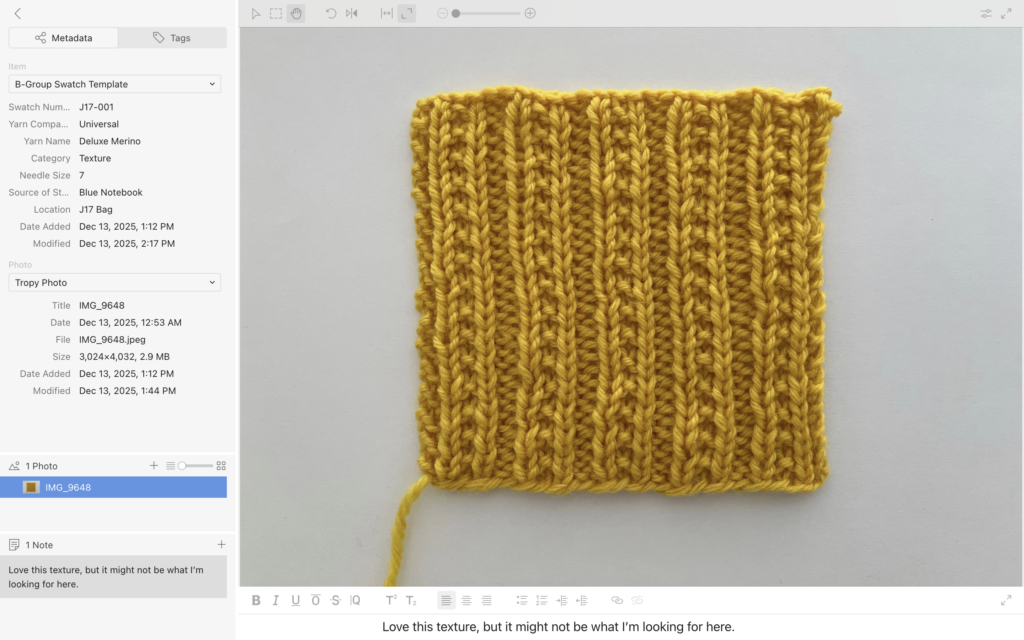
So this is my swatch library, all neat and organized! Each photo has all of the information I need about the swatch, and points me in the direction of the physical swatch if I need to reference that, too. It’s working really well for me, and I hope if this is something you’ve been looking for, that it could work well for you, too!
I’d also like to give an honorable mention to the other program I strongly considered – DEVONthink. I use this program. I think it helps me stay organized. But I use it to keep track of all types of documents. Research, bookmarks, receipts, notes, patterns, sheet music, even photos. It was the ability to keep my swatches separate from the rest of my work that convinced to me build my database in Tropy. None of my other files needed metadata like needle size or yarn name. It actually felt like having my swatches in DEVONthink began to clutter up the program, and for me, that reduced it’s functionality. That being said, if you already have DEVONthink, try it with your swatches. If you don’t have it, I’ll warn you that it’s pricy, but there is a lengthy demo version available, so you’ll really know what you’re getting.
PS: Neither program have asked me to give a review, I just enjoying using them, and wanted to share!
Enjoy this post?
Bookmark this page (Cmd+D or Ctrl+D) or share it with a friend!